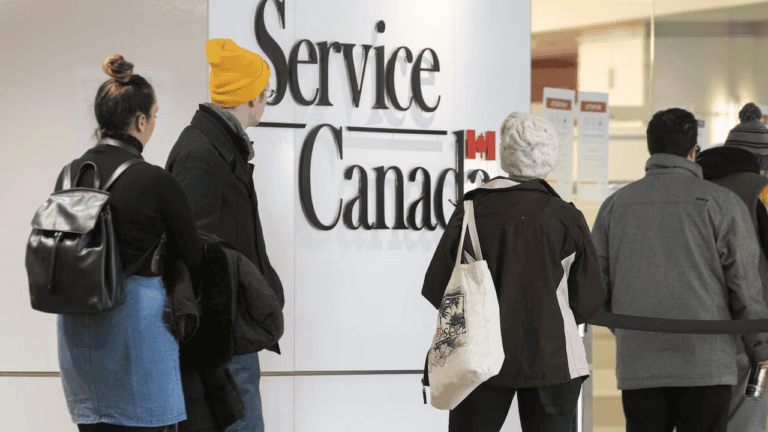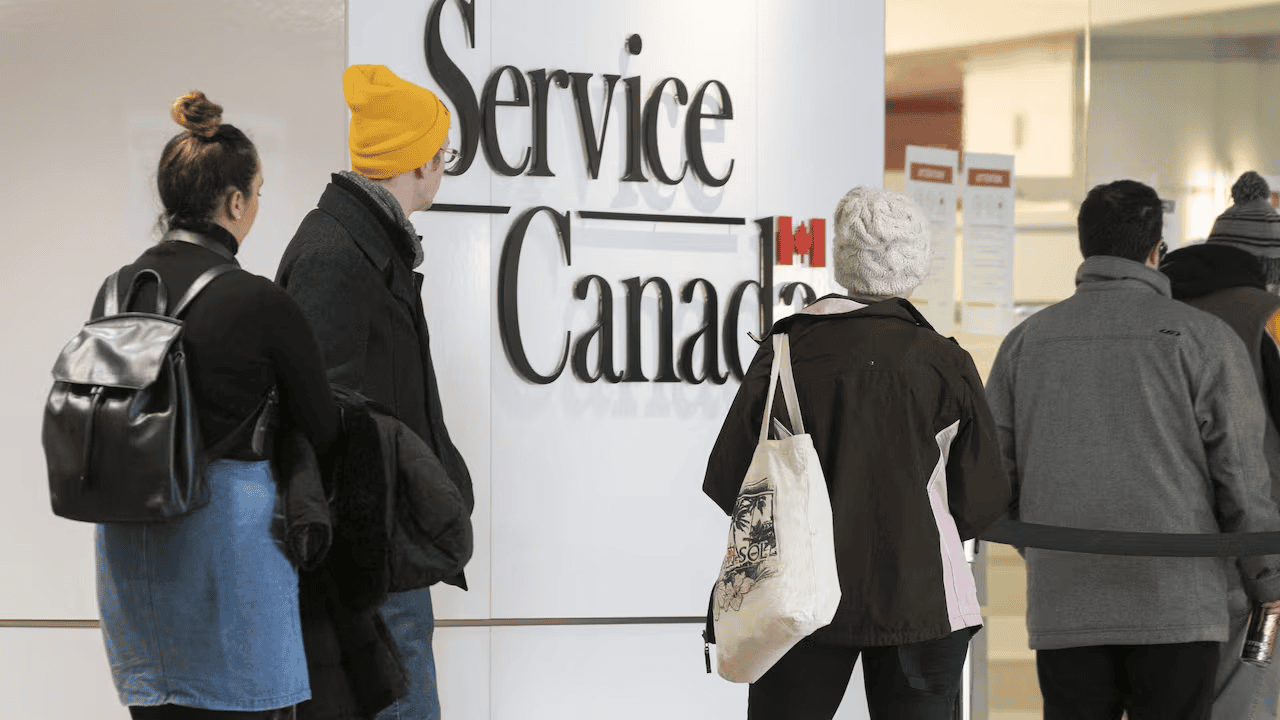
Managing important personal tasks can take time. This is especially true when you need to check benefits, review payments, or update personal details. Thankfully, online services have made many tasks easier. Service Canada helps people access important services without visiting an office for every request.
One useful feature is My Service Canada Account. It gives eligible users a convenient way to view personal information and manage several government-related services. You can check benefit details, review payment information, and follow certain applications online.
Many people still have questions about registration, account access, security, and available features. Understanding these services can help you save time and avoid common mistakes. This guide explains the basics in simple language. It also shares practical tips for using online services safely and confidently.
What Is Service Canada?
Service Canada is a public service network that helps people access important programs. It connects individuals with support for work, retirement, family needs, and other life situations. Its online services make many common tasks easier to manage. Instead of handling every request through paper forms, users can complete certain steps online.
For example, someone who recently lost a job may need Employment Insurance information. A retired person may want to review Canada Pension Plan details. Another person may need information about an application or payment. Service Canada provides access to several services through its online platform. However, not every program uses the same account. Understanding which account you need is important before starting.
What Is My Service Canada Account?
My Service Canada Account, also called MSCA, is a secure online platform. It allows eligible people to view and manage selected personal services. Users can access information related to Employment Insurance, Canada Pension Plan, and Old Age Security. Certain other programs are also available through the platform.
The main benefit of My Service Canada Account is convenience. You can check information without travelling to an office. You can also review available documents and follow certain requests. This makes everyday account management much simpler. However, available features depend on your program and personal situation. Some services may require extra identity checks. Always review the information shown inside your account before making important decisions.
Main Services Available Through Service Canada
There are several useful services available through the online platform. These services support people during different stages of life. Workers can review Employment Insurance information. Older adults can access pension details. Eligible users can also explore other available programs.
Here are some common services you may find:
- Employment Insurance: Review information about EI benefits and related applications.
- Canada Pension Plan: Access available CPP information and services.
- Old Age Security: Review OAS details and related information.
- Student loan services: Access certain National Student Loans Service Centre services.
- Canadian Dental Care Plan: Find account access and information where available.
- Canada Disability Benefit: Access relevant information and available account services.
The features are not identical for everyone. Your eligibility and program enrollment affect what you can see. Check your account dashboard for available options.
How to Create My Service Canada Account
Creating an account is a simple process when you have the required information. First, visit the official online account page. Choose the registration option and select your preferred sign-in method. You can use GCKey or an eligible Canadian banking partner. Residents of Alberta and British Columbia can also use supported provincial sign-in options.
You may need your Social Insurance Number, birth registration number, or Unique Client Identifier. Identity verification is also required. Depending on your situation, you may use an eligible verification service or Personal Access Code. Follow each instruction carefully and enter accurate information. Never share your login details with another person. Service Canada requires users to create and access their own accounts. Registration is generally available to people aged 12 or older. Canada+1
How to Sign In to Your Online Account
Once registration is complete, signing in becomes easier. Visit the official My Service Canada Account page. Select the same sign-in method used during registration. Enter your GCKey details or choose your banking partner. Follow the security instructions displayed on the screen.
Some users may need an additional identity check. This extra step helps protect private information. After successful verification, your account dashboard should appear. You can then explore the services connected to your profile. Avoid using unfamiliar links from emails or messages. Save the official website in your browser bookmarks instead. This small habit can reduce the risk of visiting fake websites. Canada+1
Benefits of Using Service Canada Online
Online access can make everyday tasks more convenient. You do not always need to visit an office. You can review available information from a computer or mobile device. This is helpful for people with busy schedules or limited travel options.
Another advantage is better access to personal records. You can check available benefit information and review certain documents. You may also follow eligible applications through supported services. For example, an individual waiting for an EI decision may find online account information useful. However, online updates do not replace official notices. Always read important messages carefully. Service Canada online tools can save time, but users should still check their information regularly.
How to Check Benefit Payments
Checking payment information is one of the useful reasons people register. Your account may show available payment details for supported programs. This can help you understand when a payment was issued. It can also help you review relevant benefit information.
Start by signing in through your usual method. Open the relevant program section. Look for payment details, statements, or available records. The exact layout may change between services. Remember that payment dates can depend on program rules. Bank processing times may also affect when money appears. If a payment seems missing, check your latest notices first. Contact the relevant service if the issue remains unresolved. Never assume an application approval guarantees an immediate payment.
How to Update Your Personal Information
Keeping your personal information accurate is very important. An old address or phone number can create communication problems. You may miss an important letter or account notification. Therefore, review your details whenever your circumstances change.
Some information can be updated online. Other changes may require a separate process. For example, changing your banking details, mailing address, or telephone number depends on the service involved. Updates are not automatically shared across every government department. You may need to update information separately for different programs. Service Canada users should check the instructions for each relevant service. Keep confirmation details after submitting an update. This makes it easier to follow up if something goes wrong. Canada+1
What Is GCKey and Why Do You Need It?
GCKey is a secure sign-in method used by many Canadian online services. It provides a username and password for supported platforms. It is important to understand that GCKey is not the same as My Service Canada Account. It simply helps you access your registered account.
You can create a GCKey username and password during registration. You may also use an existing GCKey if it is suitable. Keep your login information private and use a unique password. Two-factor authentication may also protect your account. If you forget your details, follow the official recovery steps. A revoked GCKey cannot be recovered. You may need to create another one and reconnect your services. Canada
What to Do If You Cannot Access Your Account
Sometimes users experience login problems. These issues may happen because of incorrect passwords, browser errors, or verification difficulties. First, check whether you selected the correct sign-in method. A banking sign-in and GCKey login are different options.
If you use GCKey, choose the relevant recovery option. Follow the instructions to recover your username or reset your password. If you changed your phone or lost access to authentication, use the available recovery process. You should also check whether your browser needs an update. Clearing temporary browser data may help with certain technical problems. If the issue continues, contact the correct support team. Service Canada account support and GCKey technical support handle different problems. Choosing the right team can save time. Canada+1
How to Keep Your Account Safe
Online security should always be a priority. Your account may contain private information about benefits and personal records. Therefore, use strong security habits whenever you sign in. Never share your password, verification codes, or recovery information.
Follow these simple safety tips:
- Create a strong and unique password.
- Avoid signing in through public computers.
- Never share your verification codes.
- Sign out after using a shared device.
- Keep your browser and operating system updated.
- Avoid suspicious emails and unexpected text messages.
- Visit the official website instead of unknown links.
Be careful with messages asking for private information. Official account guidance warns users about suspicious messages. Service Canada will not ask for your password through email or text messages. If something looks unusual, avoid clicking the link. Canada
Difference Between Service Canada and CRA My Account
Many people confuse these two online platforms. However, they provide access to different services. My Service Canada Account focuses on programs such as Employment Insurance, CPP, and OAS. CRA My Account focuses on personal tax information and related tax services.
For example, someone checking an EI claim should usually visit MSCA. Someone looking for a T4 tax slip should use CRA My Account. Using the correct platform helps prevent confusion. It also saves time when searching for documents. These accounts may have separate registration and sign-in requirements. Having access to one does not automatically provide access to the other. Always choose the platform that matches your specific task. Canada+1
Important Details About My Service Canada Account
Here is a helpful overview of the platform. It explains its main purpose and the details users should understand before registration.
| Detail | Information |
|---|---|
| Platform name | My Service Canada Account |
| Common abbreviation | MSCA |
| Main organization | Service Canada |
| Country | Canada |
| Account type | Secure online account |
| Main purpose | Access selected personal services |
| Sign-in options | GCKey and eligible banking partners |
| Provincial options | Alberta and British Columbia |
| Identity verification | Required during registration |
| Minimum registration age | 12 years |
| Main users | Eligible individuals |
| Supported devices | Computers, tablets, and smartphones |
| Common services | EI, CPP, OAS, and other programs |
| Account security | Passwords and identity verification |
| Access method | Online |
The platform is designed to make selected services easier to access. However, its features depend on individual eligibility. Users should check current account instructions before registering. Service Canada also provides different support options for account and program-related questions. Canada+1
Common Mistakes to Avoid When Using the Account
Small mistakes can create unnecessary problems during registration or sign-in. One common mistake is choosing a different login method. If you registered with GCKey, use the same method again. Another mistake is entering incorrect personal details. Even a small typing error can affect identity verification.
Some users also expect every government service to appear in one dashboard. This is not always possible. Different departments operate separate online accounts. Another mistake is ignoring security messages. Always read warnings before continuing. Keep your recovery information somewhere safe. If you cannot access an account, avoid repeatedly guessing passwords. Use the correct recovery process instead. These simple steps can make your online experience smoother and safer.
Tips for Getting More From Online Services
You can make account management easier with a few simple habits. Check your account whenever you expect an important update. Keep your contact details current. Save important confirmation numbers after completing a request. Read program instructions before submitting information.
It is also helpful to understand which service handles your request. This prevents confusion between benefit programs and tax services. If you need help, prepare your relevant details before contacting support. Explain the issue clearly and mention any error message. Do not send sensitive information through unsecured messages. Service Canada users can benefit from staying organized and checking official updates regularly. A little preparation can prevent delays and make important tasks easier to manage.
Conclusion
Managing personal services becomes easier when you understand the available online tools. My Service Canada Account gives eligible users access to important information. It can help people review benefits, check payment details, and manage selected personal services. It also reduces the need for unnecessary office visits.
Before registering, make sure you have the required information. Choose the correct sign-in method and complete identity verification carefully. Keep your account secure and review important updates regularly. Service Canada offers useful online options for people who need support with different programs. Taking a few minutes to understand the platform can save time later. Start by exploring the available services and choose the options that match your needs.
Frequently Asked Questions (FAQs)
1. What is My Service Canada Account?
My Service Canada Account is a secure online platform. It allows eligible individuals to access selected personal services. Users can review Employment Insurance, Canada Pension Plan, and Old Age Security information. Some additional programs are also supported. The available features depend on your eligibility and registered services.
2. How do I create My Service Canada Account?
Visit the official MSCA registration page. Select GCKey or an eligible banking sign-in option. You may also use supported provincial sign-in methods. Provide the required personal information and complete identity verification. Follow the instructions carefully to finish registration. Keep your login details safe after creating your account.
3. Can I check my EI payments online?
Yes, eligible users can access available Employment Insurance information online. Sign in to your account and open the EI section. Look for payment details and available claim information. The displayed information depends on your application and account status. Contact the relevant support team if something appears incorrect.
4. What should I do if I forget my GCKey password?
Visit the official GCKey sign-in page. Select the password recovery option and follow the instructions. You may need your username and recovery information. If your GCKey has been revoked, you cannot recover it. You will need to create another GCKey and reconnect supported services.
5. Is My Service Canada Account free?
Yes, creating and accessing My Service Canada Account is free. You do not need to pay a registration fee. However, some programs have their own eligibility rules and payment requirements. Always use the official website when registering. Avoid websites that request money for basic account creation.
6. Is Service Canada available online?
Yes, many services are available through online platforms. Users can access selected benefit information, review records, and manage certain requests. Some services may still require telephone support or an office visit. The available options depend on the program. Check the official website for current access instructions.
About the Author